How It Works
PleaseCheckOnMe is designed to be simple, reliable, and completely non-intrusive.
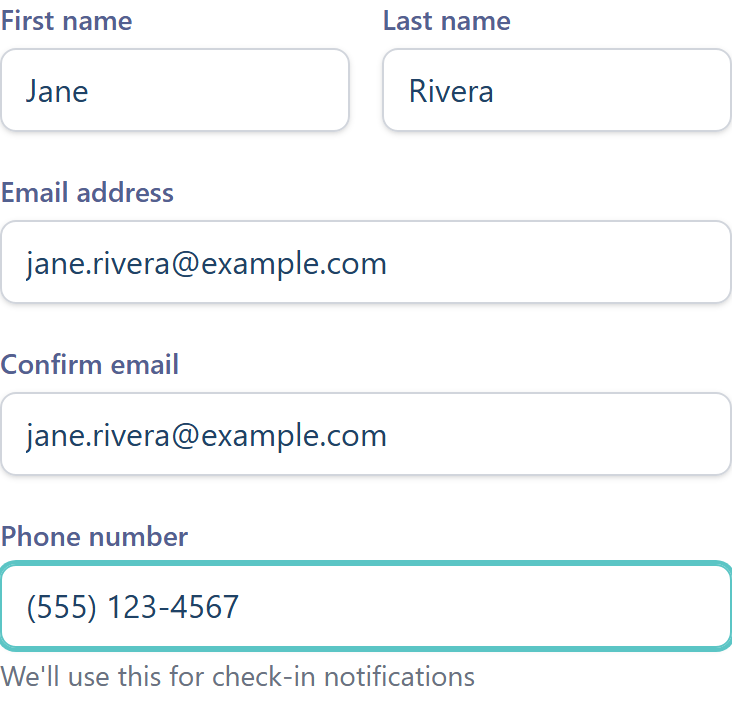
Create Your Account
Sign up with your email and phone number. You'll verify your phone via SMS to ensure you can receive check-ins.
- •Quick registration process
- •Secure phone verification
- •Choose your subscription plan
Set Your Check-In Schedule
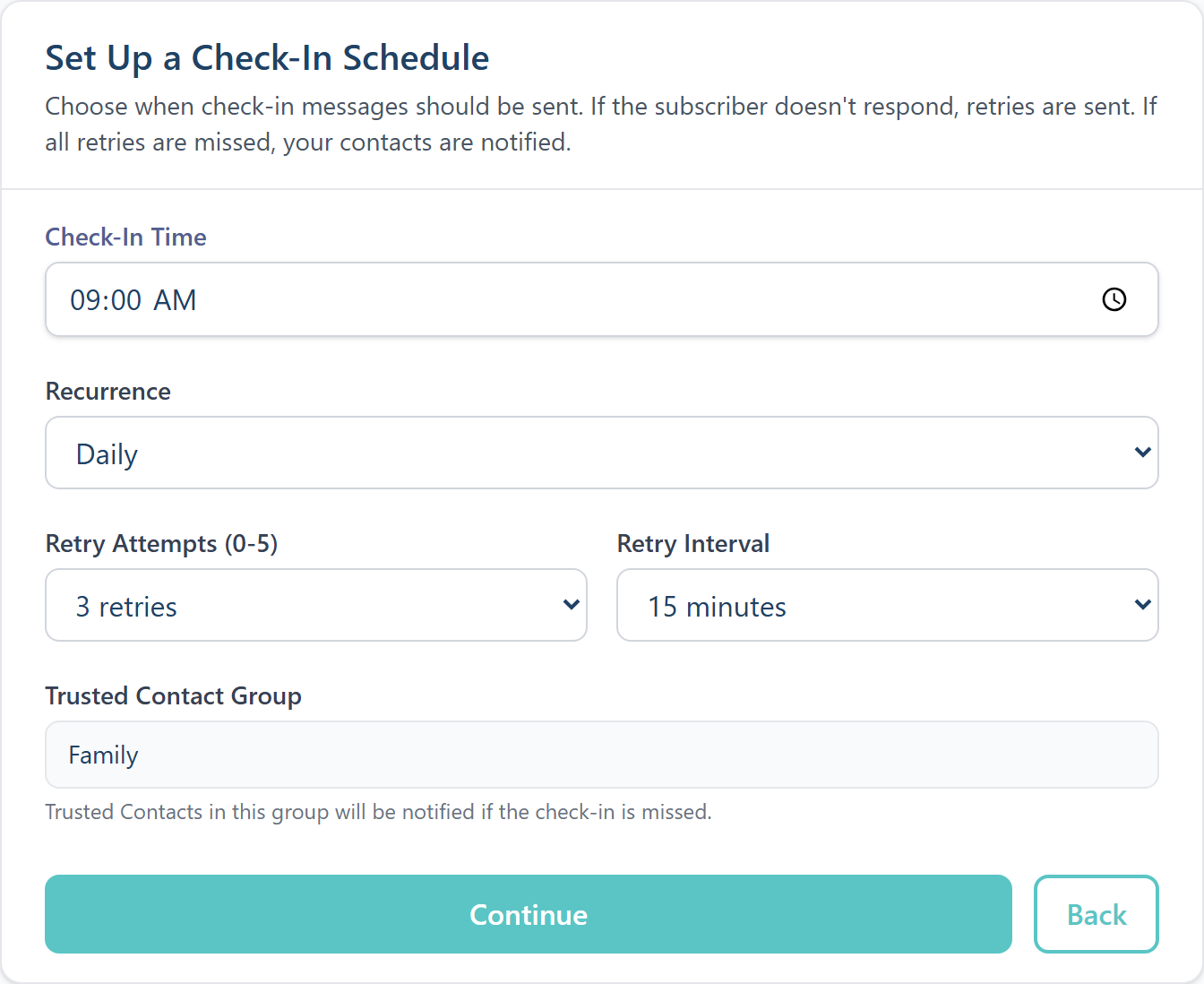
Configure when you want to receive check-in messages. Choose times that work with your daily routine.
- •Up to 2 check-ins per day
- •Daily, weekly, or custom schedules
- •Configure retry attempts (0-5)
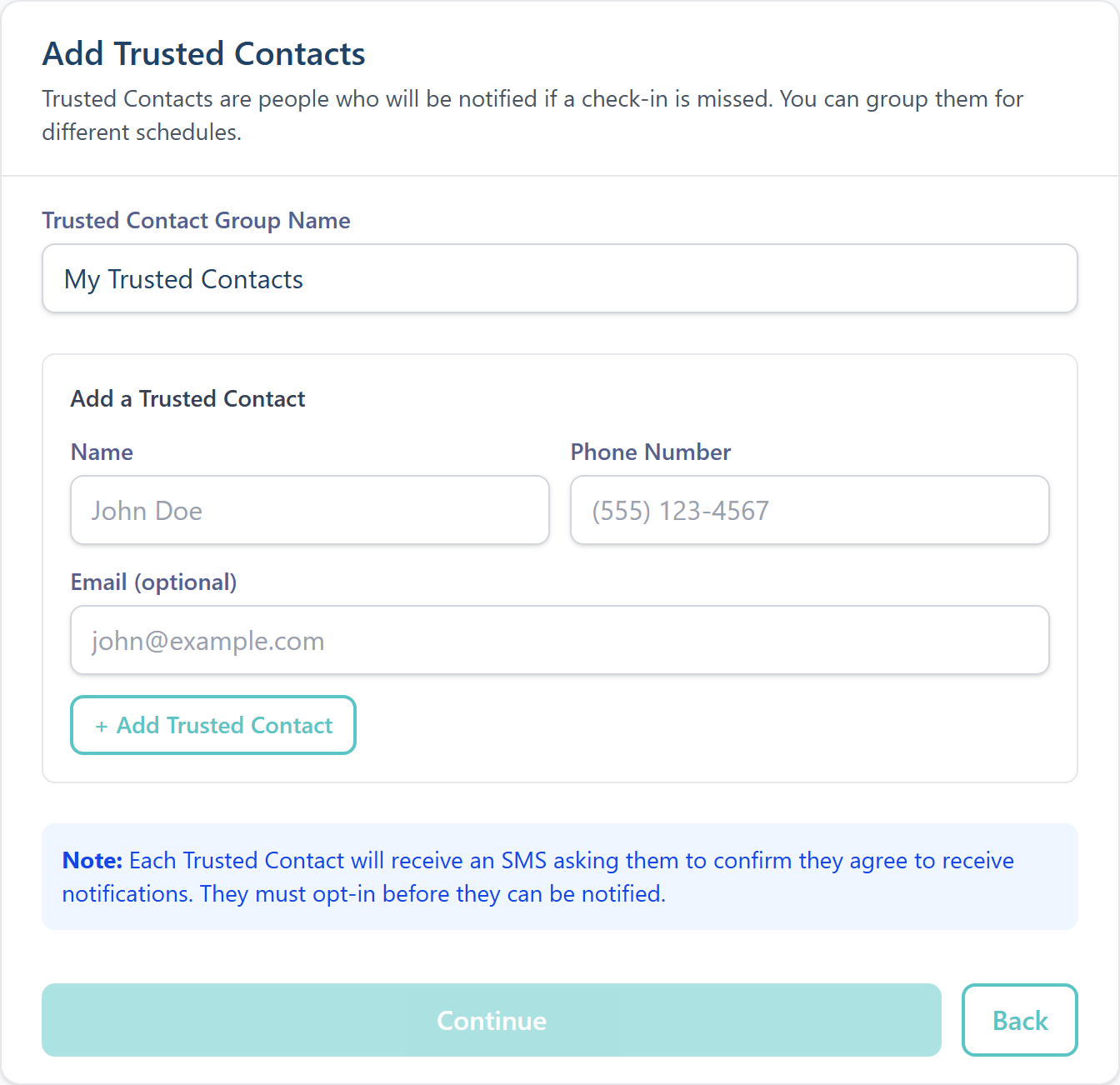
Add Your Trusted Contacts
Create contact groups with people you trust. They'll receive an SMS to confirm they agree to be notified.
An example of why you might have more than one group is for daytime or overnight check-in times, or different locations where you stay.
- •Up to 5 contact groups
- •1-5 contacts per group
- •Contacts must opt-in via SMS
📱 SMS from PleaseCheckOnMe
Hi John! Please check in. Reply OK or click: …
Your reply:
OK
Respond to Check-Ins
When it's check-in time, you'll receive an SMS. Simply reply "OK" or tap the confirmation link.
- •Reply with OK, YES, or Y
- •Or click the confirmation link
- •Takes just seconds
If You Don't Respond
After your configured retry attempts, your Trusted Contacts are automatically notified via SMS so they can check on you.
- •Configurable retry intervals
- •All Trusted Contacts notified simultaneously
- •Full activity log available
📱 Alert to Sarah (Trusted Contact)
ALERT from PleaseCheckOnMe: John has missed their check-in and did not respond. Please reach out to make sure they're okay.